Where can I download the official SWM Portal Android apps?
Download the SWM Citizen App and SWM Field Staff App directly from the official Mobile Apps page on swmportal.com. The page shows the current version, package size and SHA-256 integrity code.
What is the difference between the Citizen App and Field Staff App?
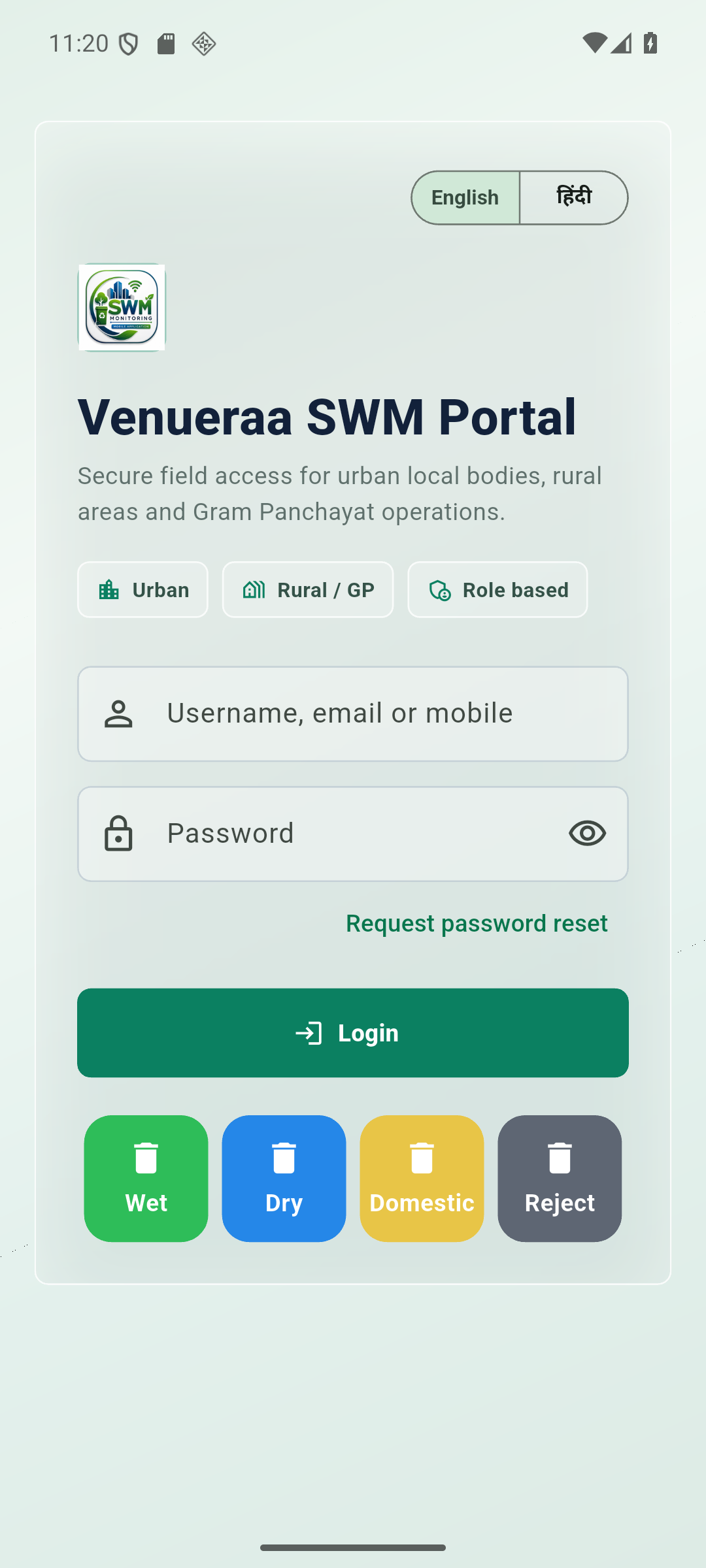
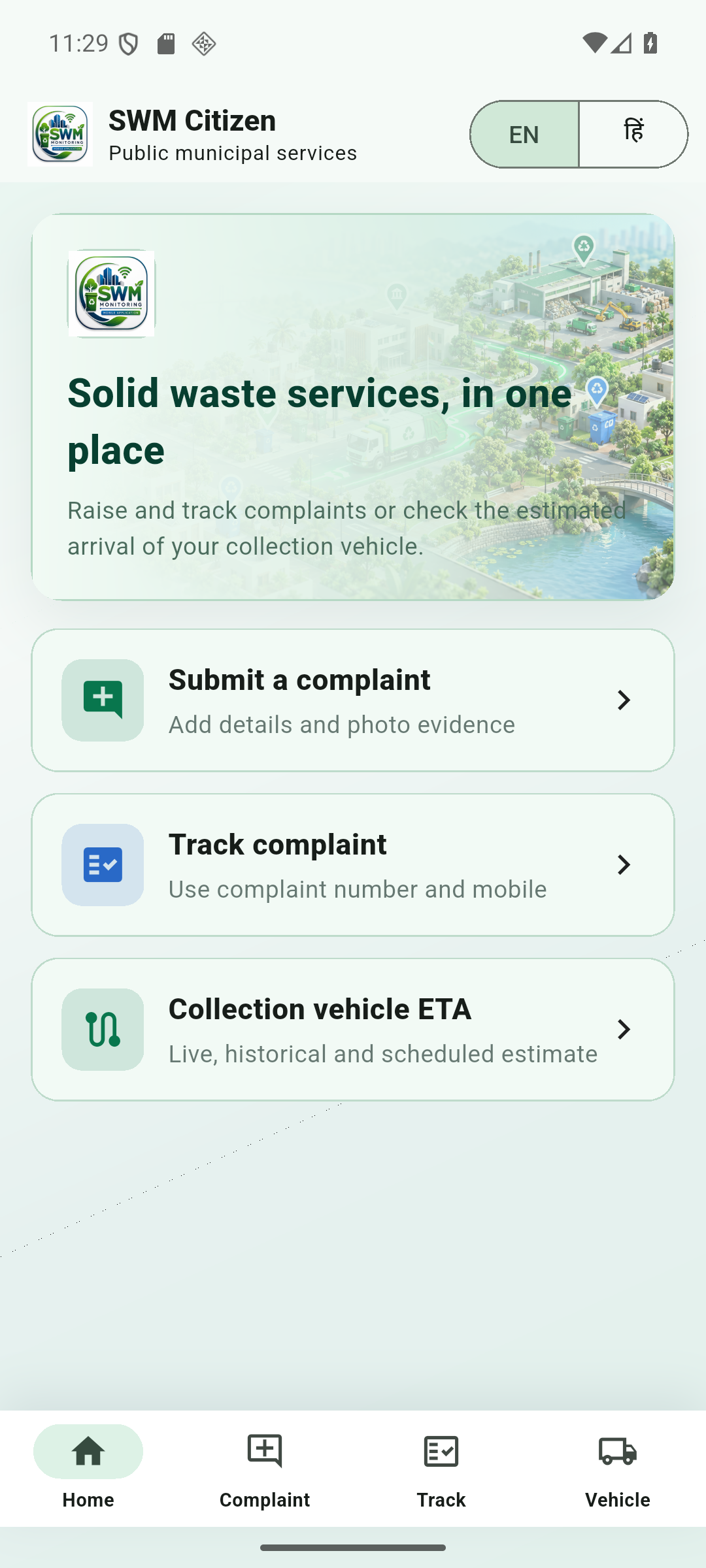
The Citizen App provides public-facing municipal waste services such as complaint submission and tracking. The Field Staff App supports assigned ULB work including surveys, attendance, user charge collection, receipts, complaints, GVP evidence and maps.
Do I need an account to use the mobile applications?
The Citizen App provides public services without a staff account where enabled. The Field Staff App requires credentials and permissions issued by the participating Urban Local Body.
Why does Android ask for permission to install the APK?
Android shows a standard confirmation when an application is installed directly from a website instead of an app store. Continue only when the browser address is swmportal.com.
Which Android phones support these apps?
The current APK packages are built for modern 64-bit ARM Android phones. Contact Venueraa Services if your device reports that the application is incompatible.
Does the Field Staff App support vehicle route tracking?
Yes. Authorised users can open Vehicle Route Tracking to view available live GPS positions and date-wise trip history. Route and coverage details depend on the vehicle mapping and GPS data configured by the ULB.